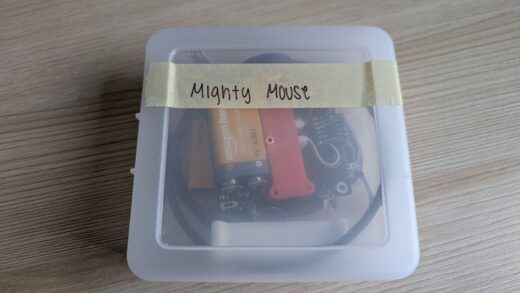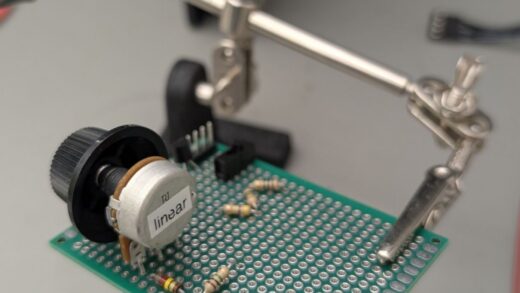
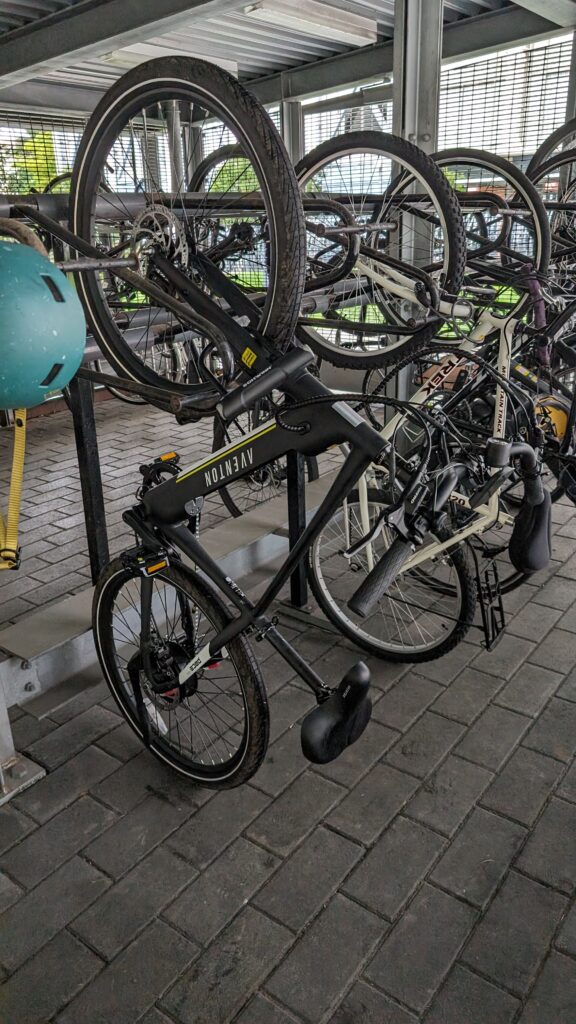
Goal: To make a mechanism detects the light from the battery indicator light that can notify me when my E-bike battery is sufficiently charged without fully charging it.
Setup
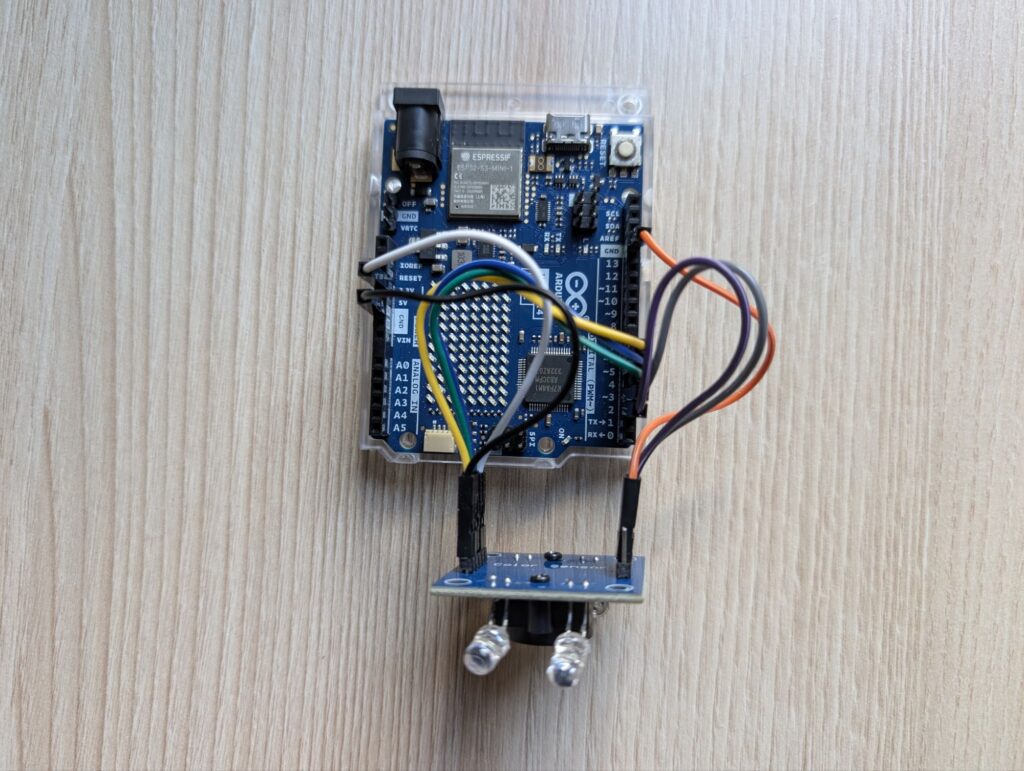
Enclosure
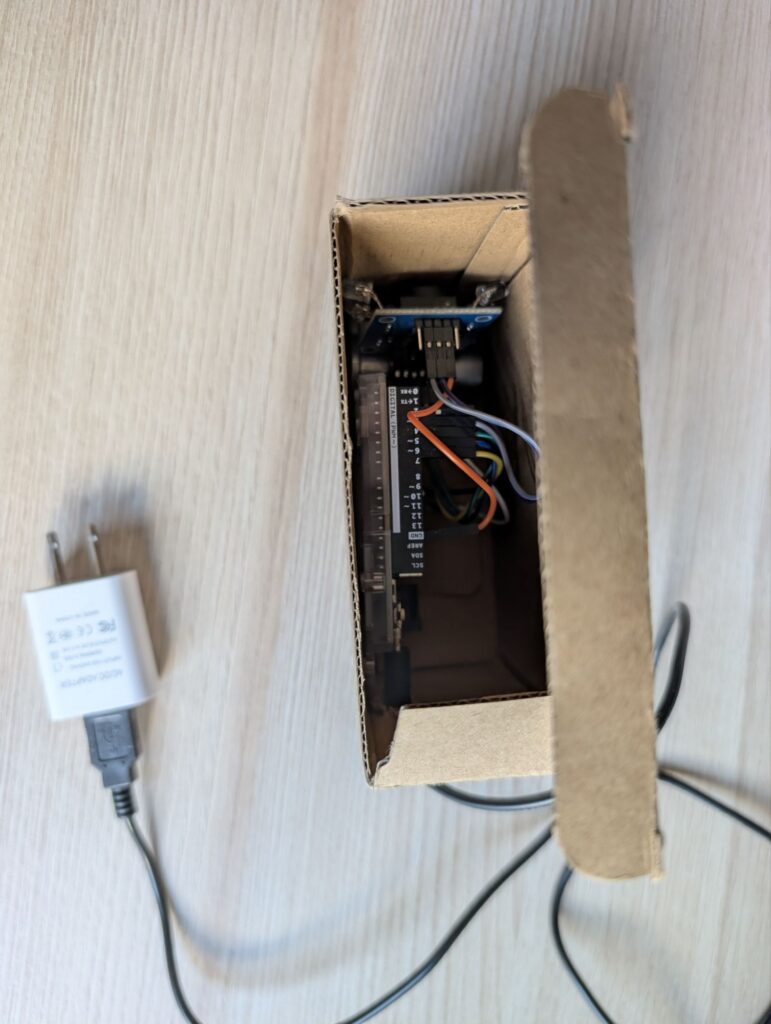
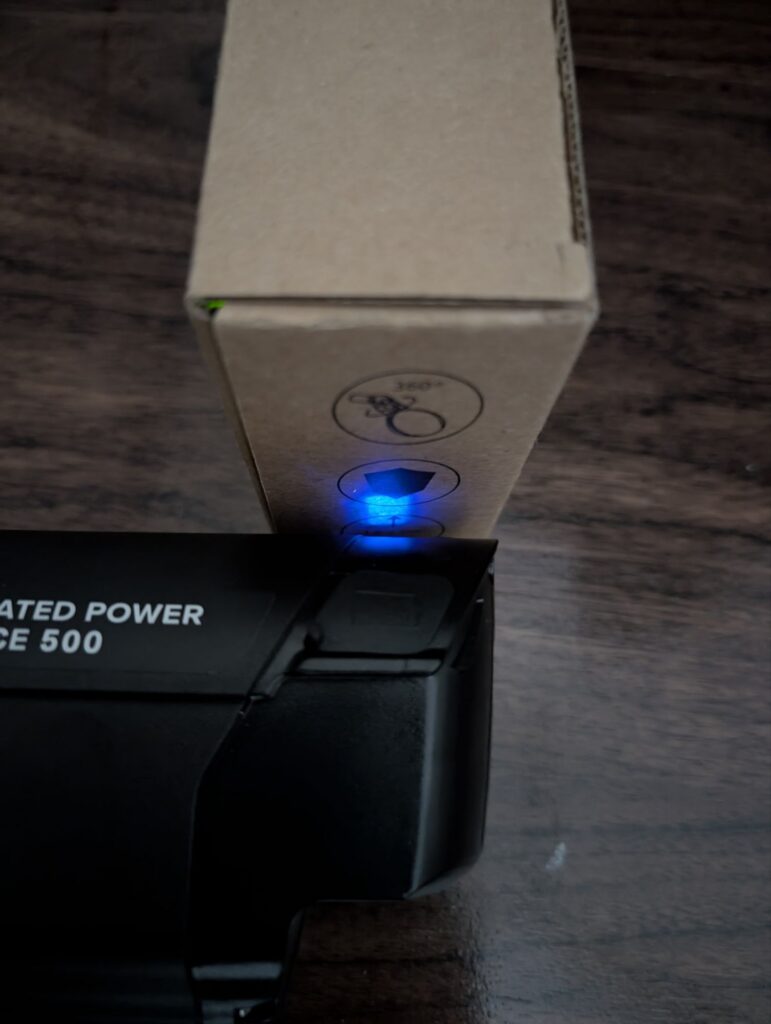
Code
#define S0 2
#define S1 3
#define S2 4
#define S3 5
#define OUT 6

#define LedRed A2
#define LedGreen A0
#define LedBlue A1

#define BLYNK_TEMPLATE_ID "XXX"
#define BLYNK_TEMPLATE_NAME "Blue Battery"
#define BLYNK_AUTH_TOKEN "XXX"
char ssid[] = "XXX";
char pass[] = "XXX";
//#include <SPI.h>
#include <WiFiS3.h>
#include <BlynkSimpleWifi.h>

// By default 'pool.ntp.org' is used with 60 seconds update interval and
// no offset
boolean running = true;

int R, G, B = 0;

void setup() {
  pinMode(S0, OUTPUT);
  pinMode(S1, OUTPUT);
  pinMode(S2, OUTPUT);
  pinMode(S3, OUTPUT);
  pinMode(OUT, INPUT);

  pinMode(LedRed, OUTPUT);
  pinMode(LedGreen, OUTPUT);
  pinMode(LedBlue, OUTPUT);

  // Setting frequency-scaling to 20%
  digitalWrite(S0, HIGH);
  digitalWrite(S1, LOW);

  Serial.begin(9600);
  Blynk.begin(BLYNK_AUTH_TOKEN, ssid, pass);
}

BLYNK_WRITE(V3) {
  int value = param.asInt();
  if (value == 1) {
    running = true;
  } else {
    running = false;
  }
}

void loop() {
  Blynk.run();
  if (running) {
    // Setting red filtered photodiodes to be read Red frequency
    digitalWrite(S2, LOW);
    digitalWrite(S3, LOW);
    R = pulseIn(OUT, LOW);  // Reading the output Red frequency

    // Setting Green filtered photodiodes to be read Green frequency
    digitalWrite(S2, HIGH);
    digitalWrite(S3, HIGH);
    G = pulseIn(OUT, LOW);  // Reading the output Green frequency

    // Setting Blue filtered photodiodes to be read Blue frequency
    digitalWrite(S2, LOW);
    digitalWrite(S3, HIGH);
    B = pulseIn(OUT, LOW);  // Reading the output Blue frequency

    // Print RGB Sensor Values
    Serial.print("R= ");
    Serial.print(R);
    Serial.print(" | ");
    Serial.print("G= ");
    Serial.print(G);
    Serial.print(" | ");
    Serial.print("B= ");
    Serial.print(B);
    Serial.println();

    double bgRatio = (B * 1.0) / (G * 1.0);
    Blynk.virtualWrite(V0, B);
    Blynk.virtualWrite(V1, G);
    Blynk.virtualWrite(V2, bgRatio);
    Serial.println(bgRatio);

    if (bgRatio < 1.17 && B != 0 && G != 0) {
      Blynk.logEvent("bluelight");
      running = false;
      Serial.println("Stopped");
      Serial.println(B);
      Serial.println(G);
      Serial.println(bgRatio);
      Blynk.virtualWrite(V3, 0);
    }
  }
  delay(200);
}
Result
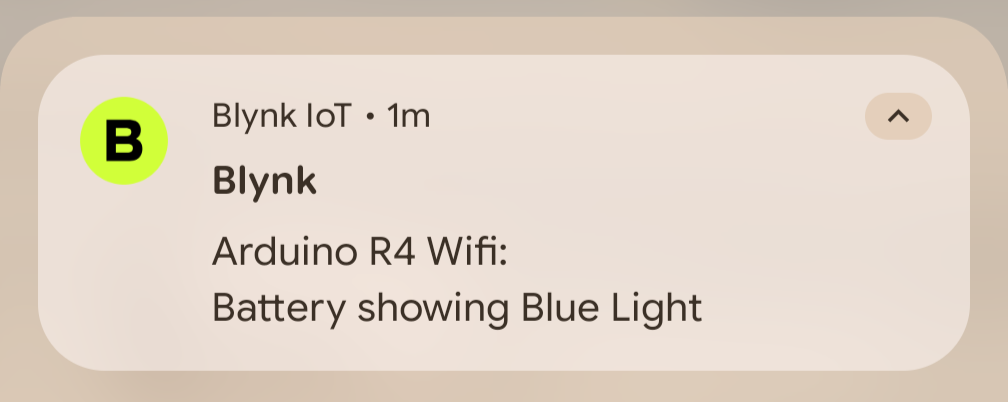
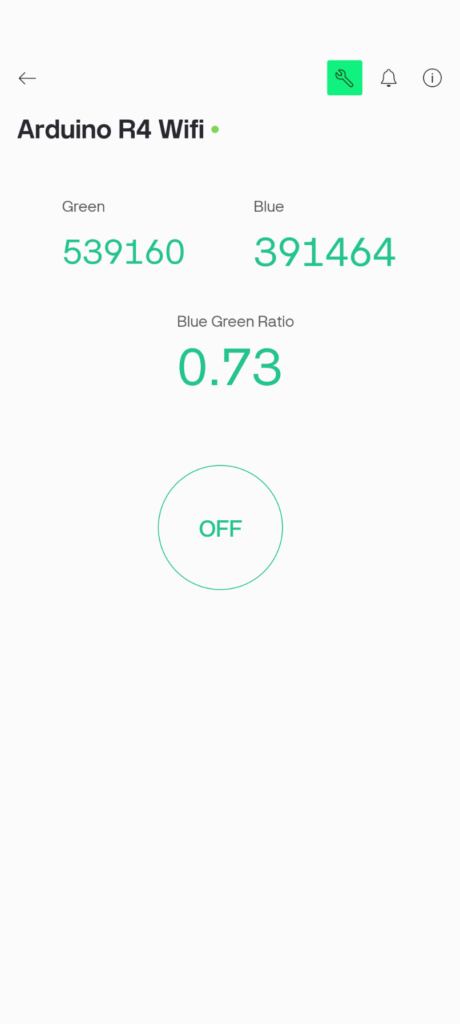
Notification is received! Even if I am outside, I just open my smart plug app and turn off the power to the battery. No stress of overcharging.